















WinCounter Screens
Here are some sample WinCounter screens. Click the pictures to see a larger image.
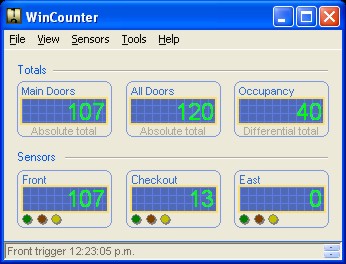
Main Screen
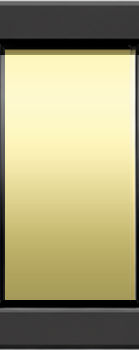
The main WinCounter screen shows the live count from each sensor. In the Professional Edition, you can have it display configurable totals which are combined totals from two or more sensors
Reporting Screen
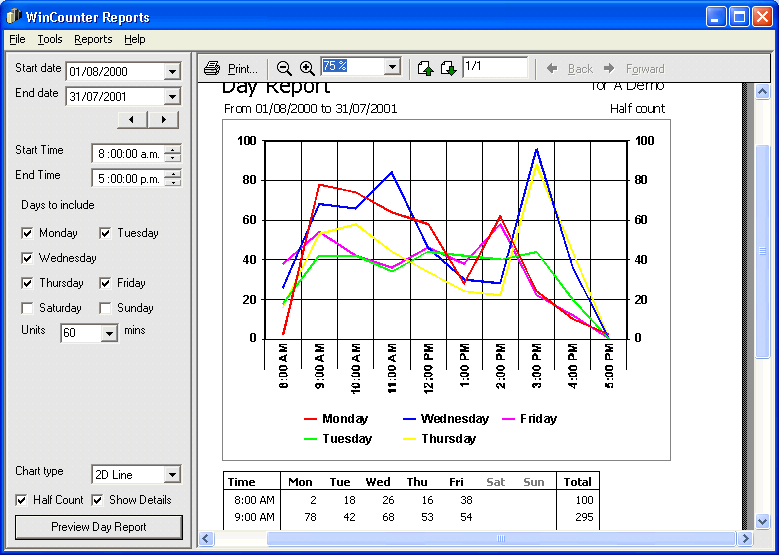
The WinCounter reporting module produces a wide range of reports by applying changes to a number of template reports. You can view the reports on-screen then save or print them if necessary. Click here to see samples of reports produced by the Reporting Module Here is an example of a report screen.
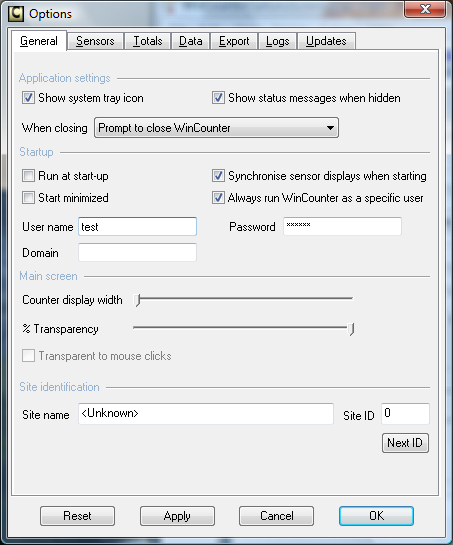
The WinCounter Options Screen
The options screen allows you to configure WinCounter. There are tabs to categorise the various configuration settings.